
Zen Browser
Zen Browser is a free, open-source web browser based on Mozilla Firefox, with a calm interface built around organising tabs.
Windows
Open source

Baidu Browser was a free web browser for Windows from the Chinese company Baidu; it was discontinued on 30 September 2019.
Average 0.0 · ratings: 0
Thank you! Your rating is saved; you can change it. Could not save the rating. Please try again later. Too many ratings from your network today. Please try again tomorrow. The average appears after 5 ratings.
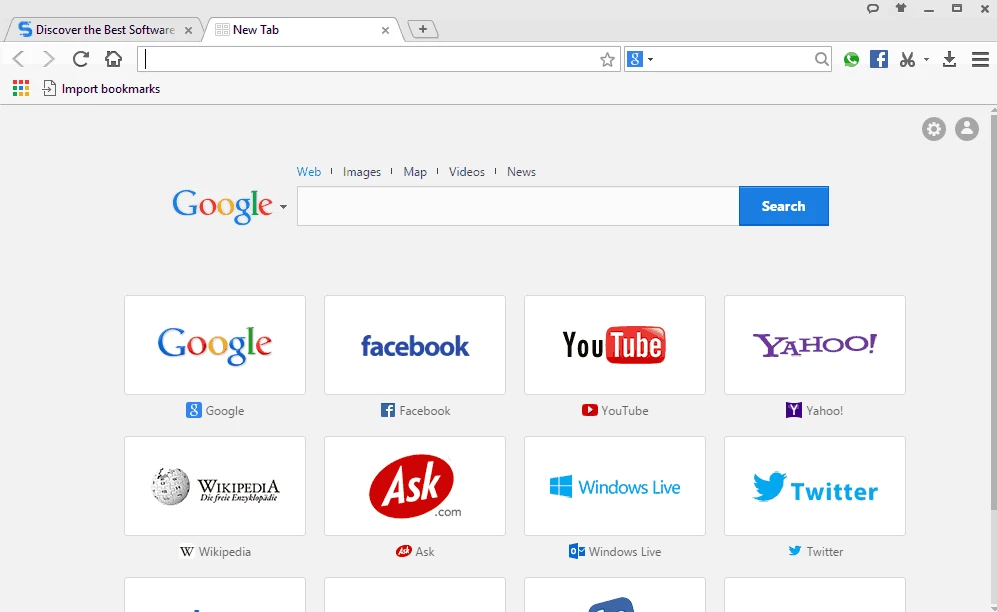
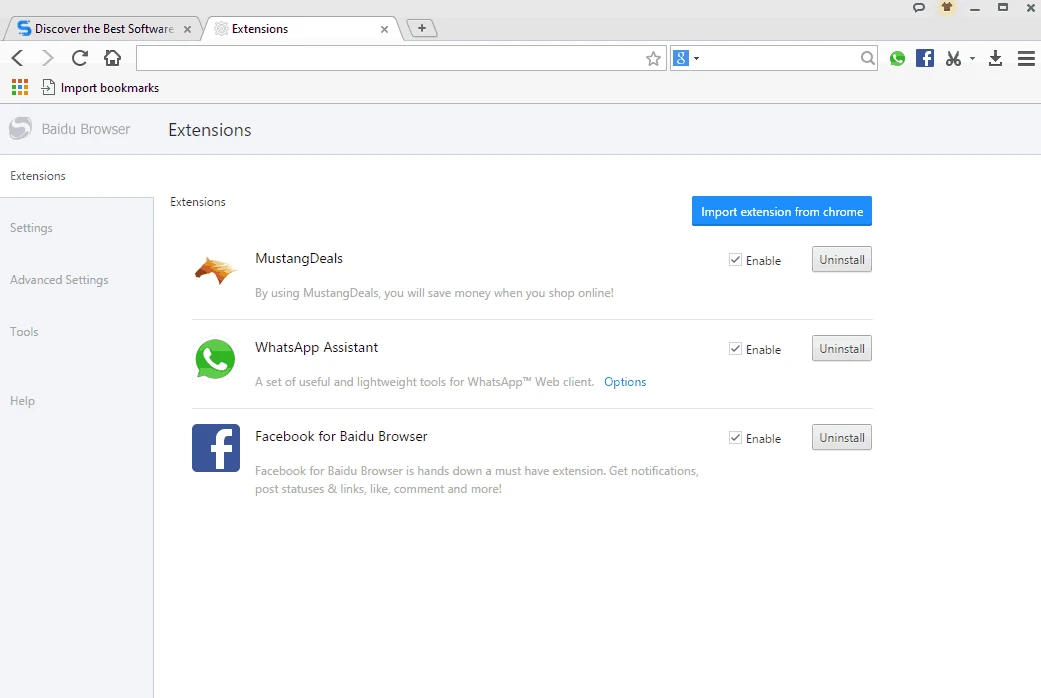
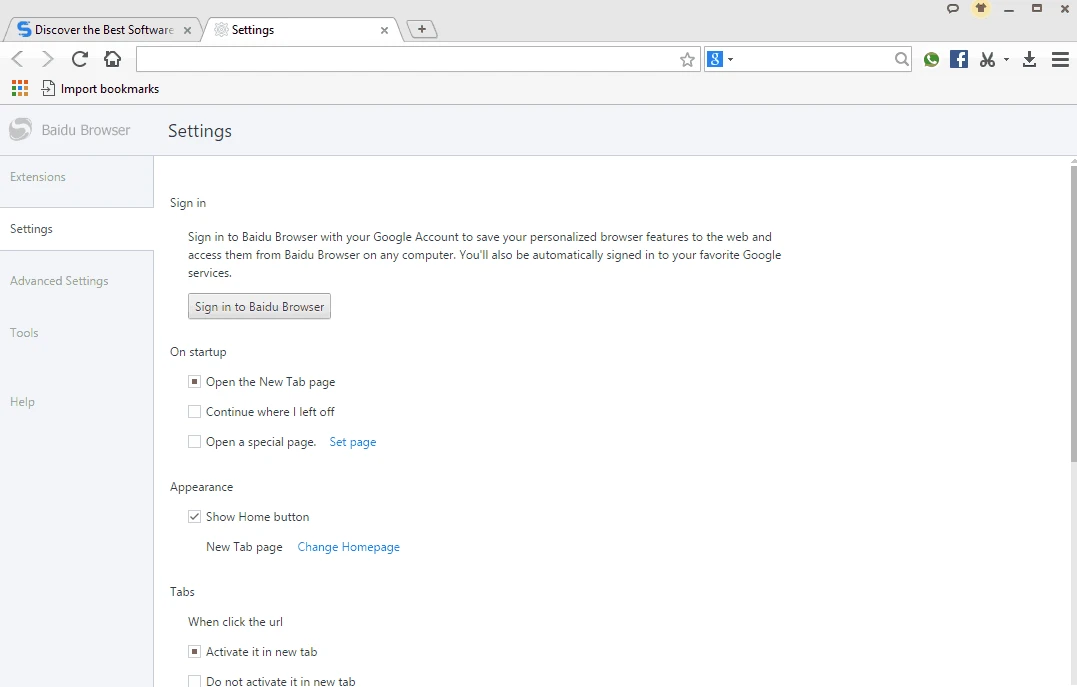
Baidu Browser was a free web browser for Windows developed by Baidu, the Chinese search company, with its first release in 2011. The last Windows build was 43.23.1007.94; Baidu discontinued the browser on 30 September 2019, and it is kept on this page only as an archive download for research and old setups.
In the early 2010s, Chinese internet companies competed to put their own browser on every PC, because a browser controls the home page and the default search. Baidu joined with a product that combined a Chromium-based engine for modern sites with a compatibility mode for pages written for old Internet Explorer, which were still common on Chinese banking and government portals. The browser integrated Baidu search, a start page with shortcuts and news, cloud sync of bookmarks through a Baidu account, a download accelerator, video and audio sniffing tools, and a gallery of skins. An international version, sometimes known under the Spark browser name, targeted users outside China with a similar feature set. Mobile versions existed as well, including one for iOS. After several years, Baidu stopped development and closed the service on 30 September 2019 without naming a successor.
Baidu Browser was criticised by security researchers who found that it transmitted personal data, such as search terms, visited addresses and device identifiers, with weak or no encryption, and that its update process could be abused. Those problems were part of its reputation even before development ended. Today the program has an outdated engine and receives no fixes at all.
The archived installer, about 45.96 MB according to catalogue data, is available here for software historians, testers and people who need to inspect old behaviour. We do not recommend it for everyday browsing: sync, cloud features and Baidu account functions may not work, many modern sites will not display correctly, and security holes will never be patched. If you want to look at it, run it in a virtual machine or on an isolated test PC, and do not sign in to accounts or enter passwords.
With the service closed, bookmarks and settings synced through a Baidu account can no longer be relied on through the browser. If you still have an old installation, export bookmarks to an HTML file from its settings, if the option works, and import them into a current browser. Afterwards, uninstall the program and remove its leftover folders, so that no outdated components stay on the system.
Baidu Browser was always free.
For a supported browser, choose Microsoft Edge, which also has an Internet Explorer mode for legacy sites. Other browsers on our site include Opera, Chromium, Firefox ESR and QQ Browser.
Zen Browser is a free, open-source web browser based on Mozilla Firefox, with a calm interface built around organising tabs.

Brave is a free, open-source, privacy-focused web browser built on Chromium, with ad and tracker blocking turned on by default.

LibreWolf is a free, open-source web browser based on Mozilla Firefox, maintained by the LibreWolf Community with privacy-focused defaults.

Mozilla Firefox is a free and open-source web browser developed by Mozilla, available for Windows, macOS, Linux, Android and iOS.

Opera is a free web browser for Windows from Opera Software. The stable release is 136.0.6008.22, published on 17 September 2026.

UC Browser for Windows is the desktop version of the web browser from UCWeb, a Chinese mobile internet company.

Google Translate is Google's multilingual machine translation service, used on Windows through the website and a browser extension.

Microsoft Edge is Microsoft's web browser, preinstalled on current Windows versions and available as a free download for reinstalling or updating.
Mozilla Firefox is a free and open-source web browser developed by Mozilla, available for Windows, macOS, Linux, Android and iOS.

Google Chrome is the free web browser from Google. The stable Windows release is 154.0.8037.58, out since 22 September 2026.

Cent Browser is a free Chromium-based browser for Windows from Cent Studio that adds mouse gestures, tab tweaks and other power-user options.